
Protect your OLED display
Circle is a screensaver that prevents burn-in on OLED screens with a constantly moving, color-shifting circle.
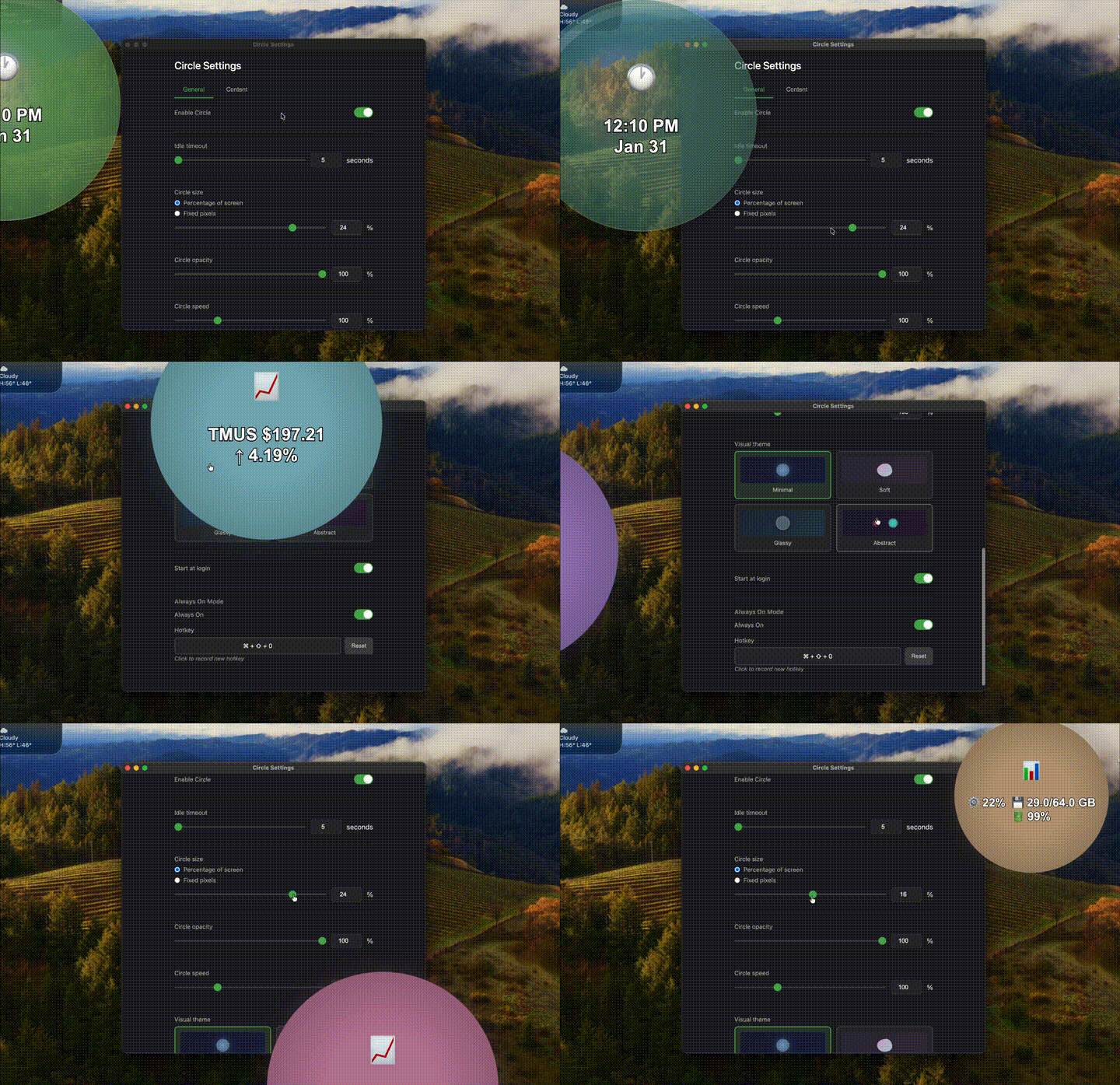
Keep pixels moving while you stay focused
macOS: signed & notarized — just double-click to run. Windows: unsigned — click More info → Run anyway on the SmartScreen prompt.
Two builds, your platform
Each version targets a different runtime and ships a slightly different feature set.
macOS — Native
Built in Swift / SwiftUI on Apple's frameworks. Recommended for all Mac users.
- •Lower CPU + battery (native Apple Silicon)
- •Signed & notarized — just double-click to launch
- •Ships as both menu-bar app and a .saver Screen Saver bundle
- •Claude Code usage display (reads quota from Keychain)
- •Proximity fade — circle fades as cursor approaches
- •Menu bar auto-hide toggle
- •OLED display filtering (choose which screens)
- •SwiftUI settings UI
Windows — Electron
Cross-platform Electron build. Same screensaver concept with extra content providers and themes.
- •Two extra themes: Glassy and Abstract
- •Cross-platform Electron foundation
Both builds include
- ✓Smart idle detection
- ✓Multi-monitor support
- ✓Stock ticker (real-time Yahoo Finance prices)
- ✓Content rotation between providers
- ✓Multiple configurable hotkeys
- ✓Always-on mode
- ✓Launch at login
- ✓Clock & system info display
- ✓Minimal & Soft themes
A few of the looks
Pick a theme and a content provider that fit your screen.
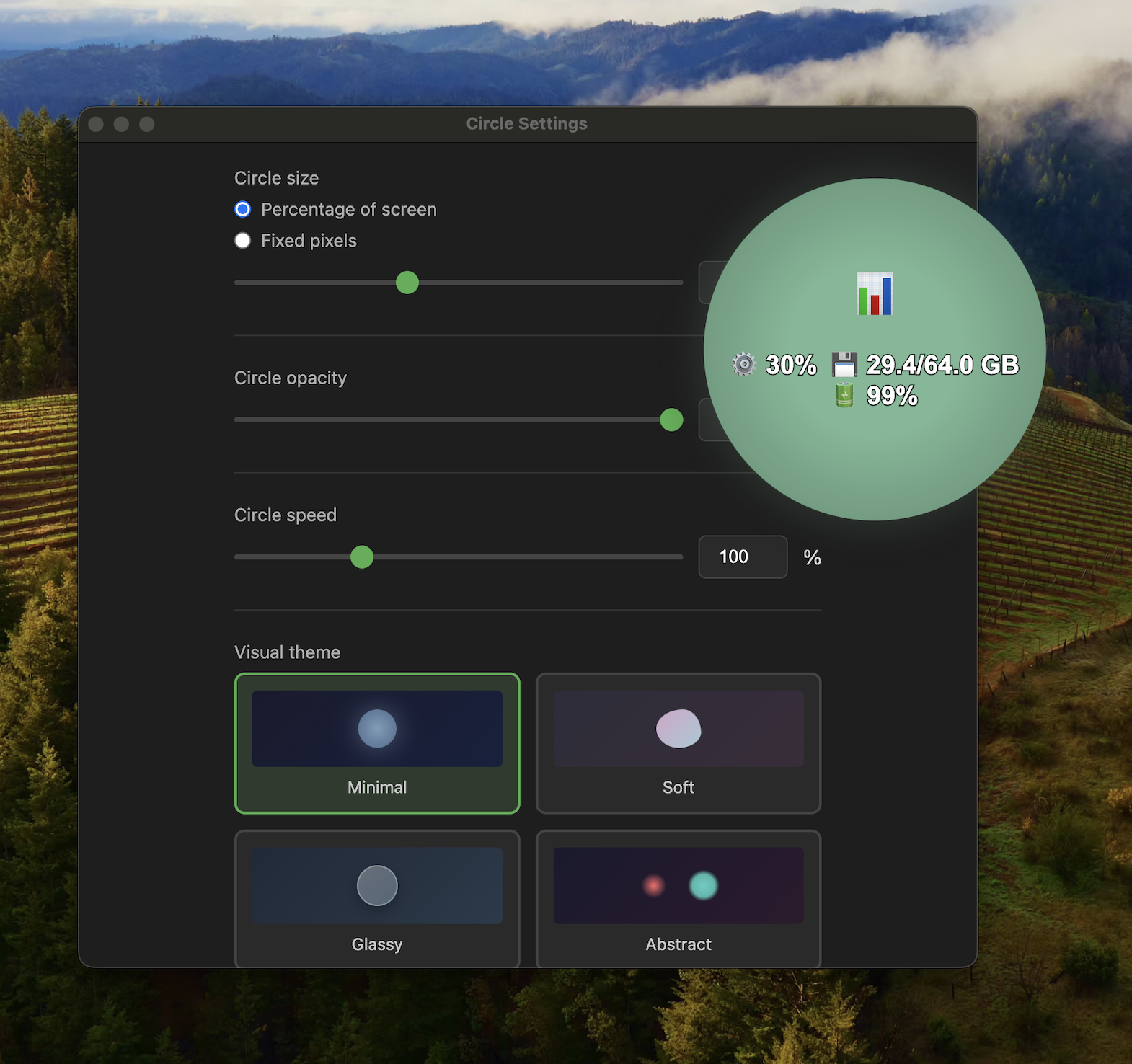
Minimal
Both buildsClean circle with system stats display
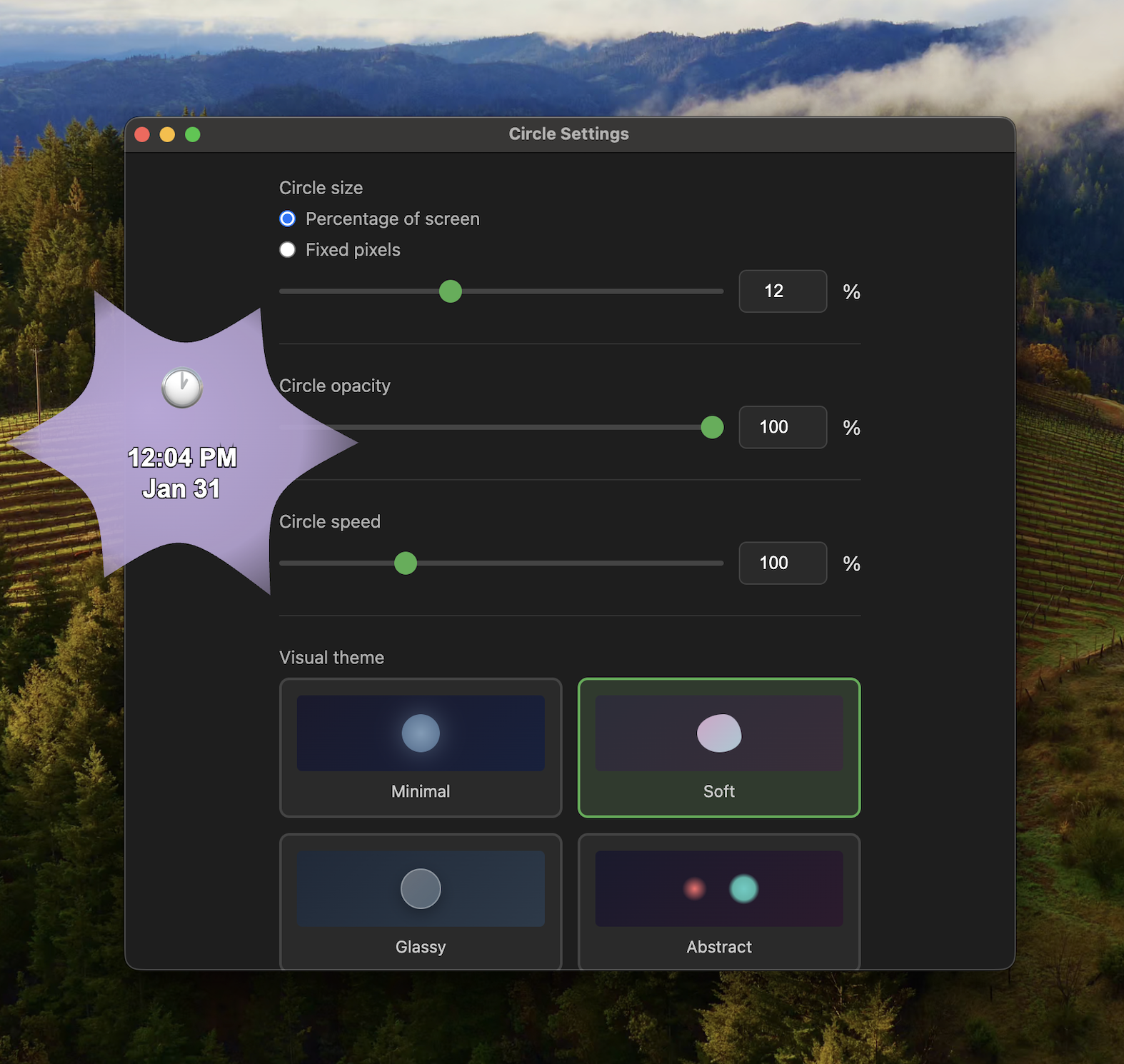
Soft
Both buildsGentle starburst shape with time display
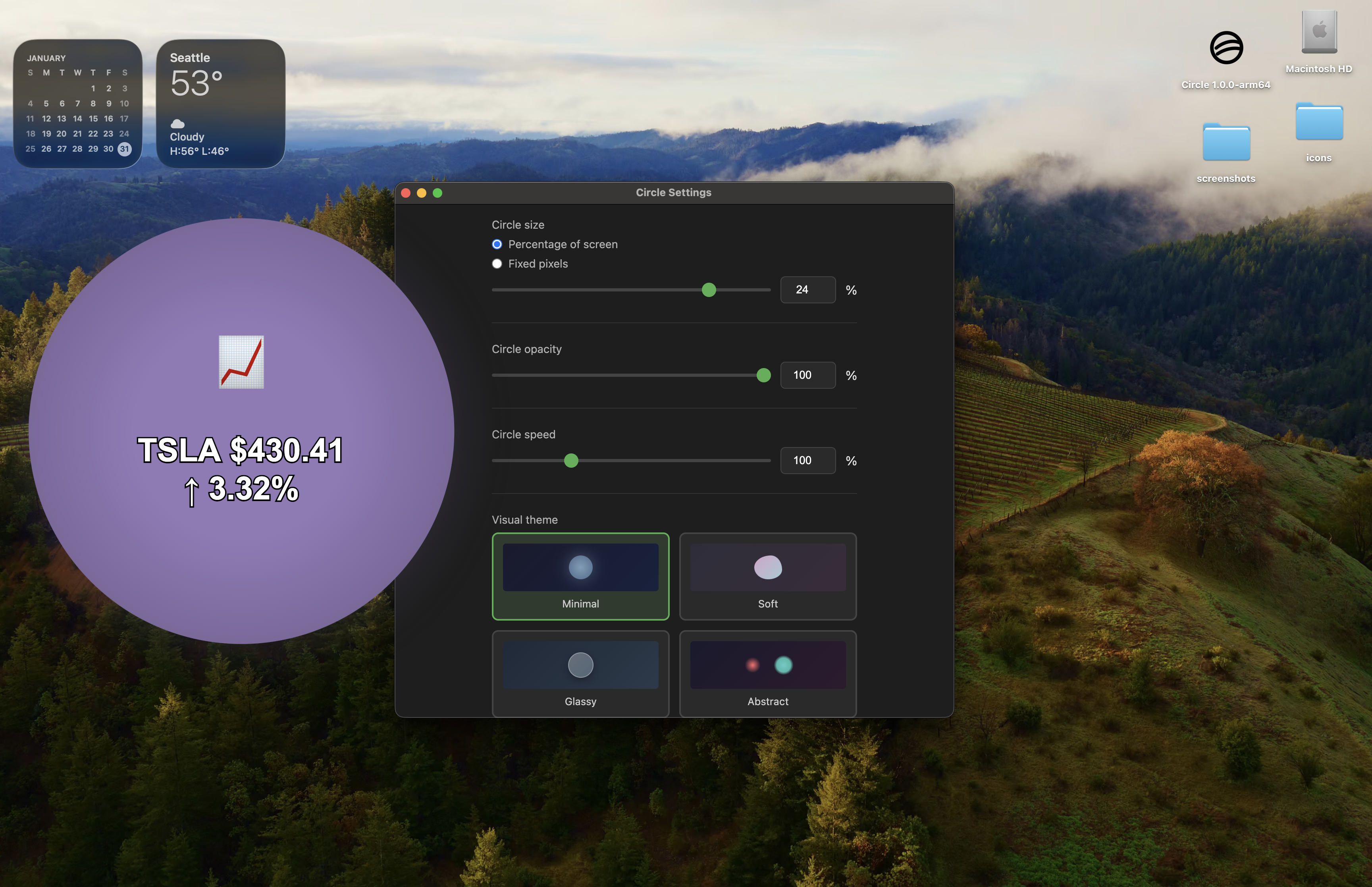
Stock ticker
Both buildsReal-time prices from Yahoo Finance
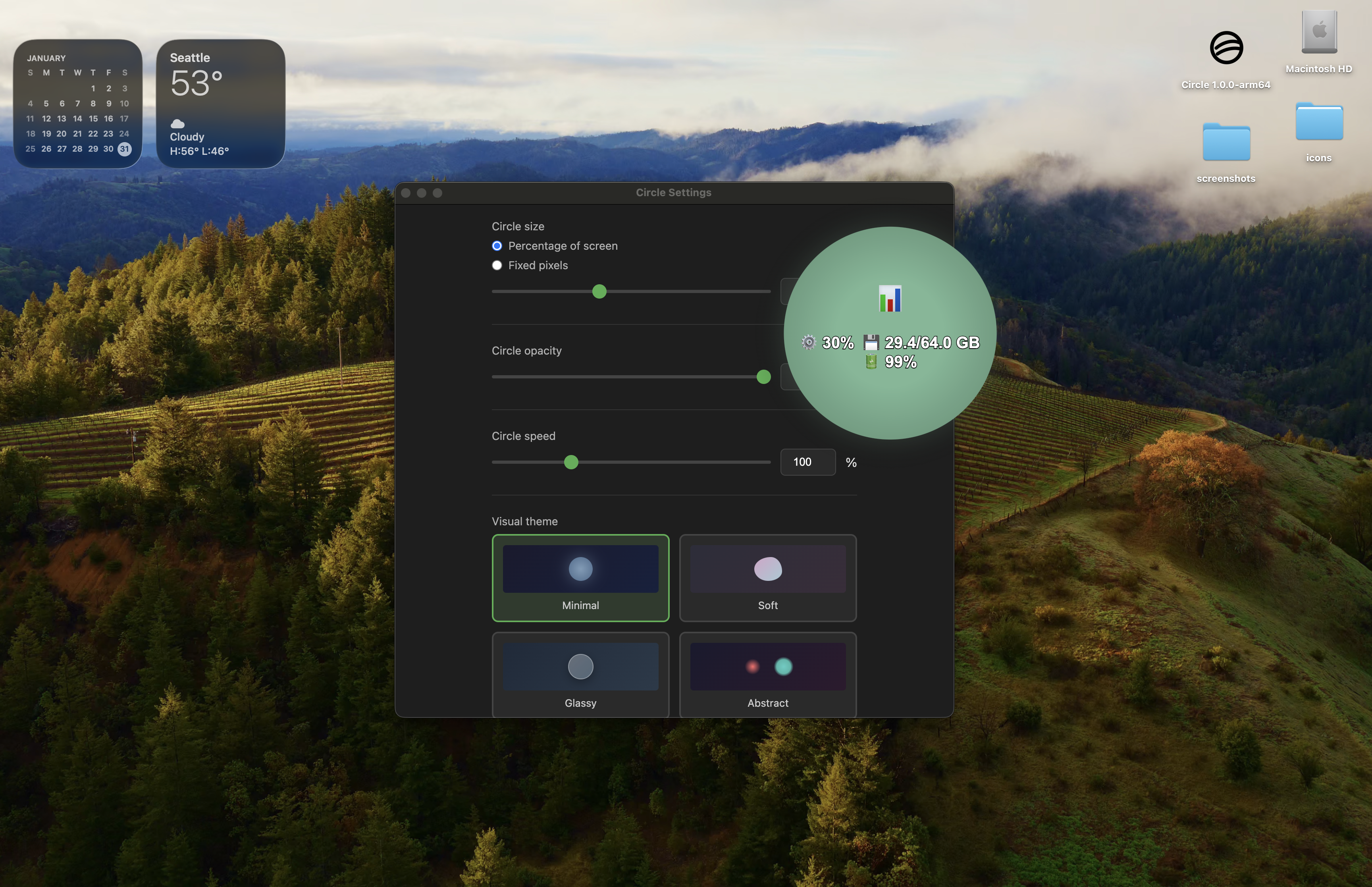
Customizable
Both buildsAdjust size, opacity, speed, and more